Frontend
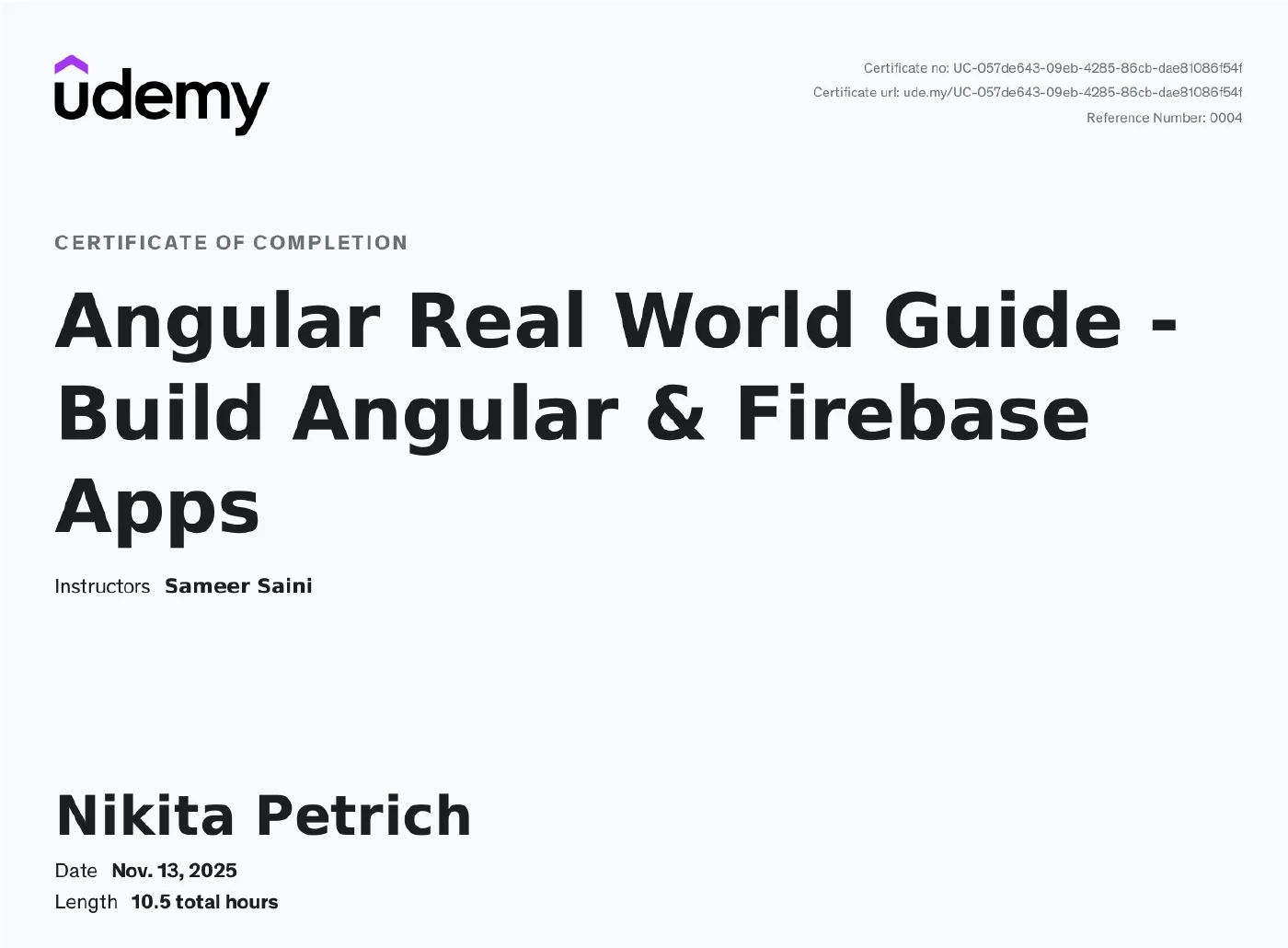
Angular Real World Guide — Build Angular & Firebase Apps
UdemyNovember 2025 · 10.5 hrs
A consistently project-based Angular course: from the fundamentals (components, templates, services) to the complete “Dev Pulse” application with Google Firebase as its backend. It covers reactive forms with validation, full Firestore CRUD, file uploads, authentication with sign-up, login and logout, and public pages implemented three ways — with observables, with signals and with RxResource.
Scope
10.5 hrs
Lessons
52 across 6 sections
Instructor
Sameer Saini
Language
English
Format
Video course with project work
Completed
13 November 2025
Contents & competencies
- Angular fundamentals: components as building blocks, component state and behaviour, dynamic templates, conditionals and loops, user event handling and shared logic through services
- Project setup with the Angular CLI and Tailwind CSS, navigation with RouterOutlet and RouterLink, separating environments
- Reactive forms including validation, a markdown editor with live preview and cover image upload
- Google Firebase and AngularFire: writing with addDoc and setDoc, collection and single-document queries, update and delete — full Firestore CRUD in a BlogPost service
- Firebase Authentication: sign-up, login and logout, logged-in/logged-out states in the navbar, reactive state through signals
- Dashboard with statistics and parent-to-child data flow, filtering down to your own posts, batch upload into the Firestore database
- Public pages (home and blog details) implemented three ways: with observables, with signals and with RxResource
Syllabus
Introduction6 lessons
- Introduction
- Install Visual Studio Code
- Install Visual Studio Code Extensions
- Install Node Js and npm
- Install Angular CLI
- Github Code Repository
Angular basics and essentials8 lessons
- Let's Understand Angular
- Create New Angular Application
- Components — Building Blocks of an Angular Application
- Managing Dynamic Data — Component State and Behavior
- Rendering Dynamic Templates
- Conditionals and Loops
- User Event Handling
- Sharing Code or Logic using Services
Dev Pulse — Angular and Google Firebase Real World Project15 lessons
- Create New Angular Application Using Angular CLI
- Install Tailwind CSS in Angular Application
- Create Navigation Menu or Navbar
- Create-Post Component, RouterOutlet and RouterLink
- Define Elements and Style Create-Post Page
- Angular Reactive Forms and Create Post Form
- Validations in Reactive Forms
- Environments
- Google Firebase Intro and Setup
- Install AngularFire and Add Firebase Configuration
- Save data using addDoc method to Firebase
- Save data using setDoc method to Firebase
- Creating BlogPost Service
- Add Markdown Editor and Preview
- Upload Files — CoverImage to BlogPost
CRUD Operations, Dashboard Page, Public pages7 lessons
- Section Introduction
- Navbar — LoggedIn and LoggedOut Functionality and UserService
- Navbar Dropdown (use signals to reactively change state)
- Dashboard Page and Dashboard Statistics — Passing Data From Parent to Child Component
- Getting Collection Data From Firestore — BlogPost List
- Get Single Document From Firestore — Edit/Update BlogPost
- Delete Document From Firestore — Delete BlogPost
Authentication using Google Firebase (Register, Login, Logout)9 lessons
- Google Firebase Authentication Overview
- Enable Google Firebase Authentication
- Create Register Page/Component
- Register Page Template
- Register User
- Create Login Page Component
- Login Page HTML Template
- User Login using Google Firebase
- Logout/Signout Functionality
Filter, Batch Create Data, Home page and Blog Details Page (Public pages)7 lessons
- Add User Details To Blogs
- Dashboard to show only loggedIn user created blogs
- Bulk/Batch Upload Data in Firestore Database
- Home Page — Display All Blogs
- Blog Details Page — Using Observables
- Blog Details Page — Using Signals
- Blog Details Page — Using RxResource
Topics
AngularFirebase