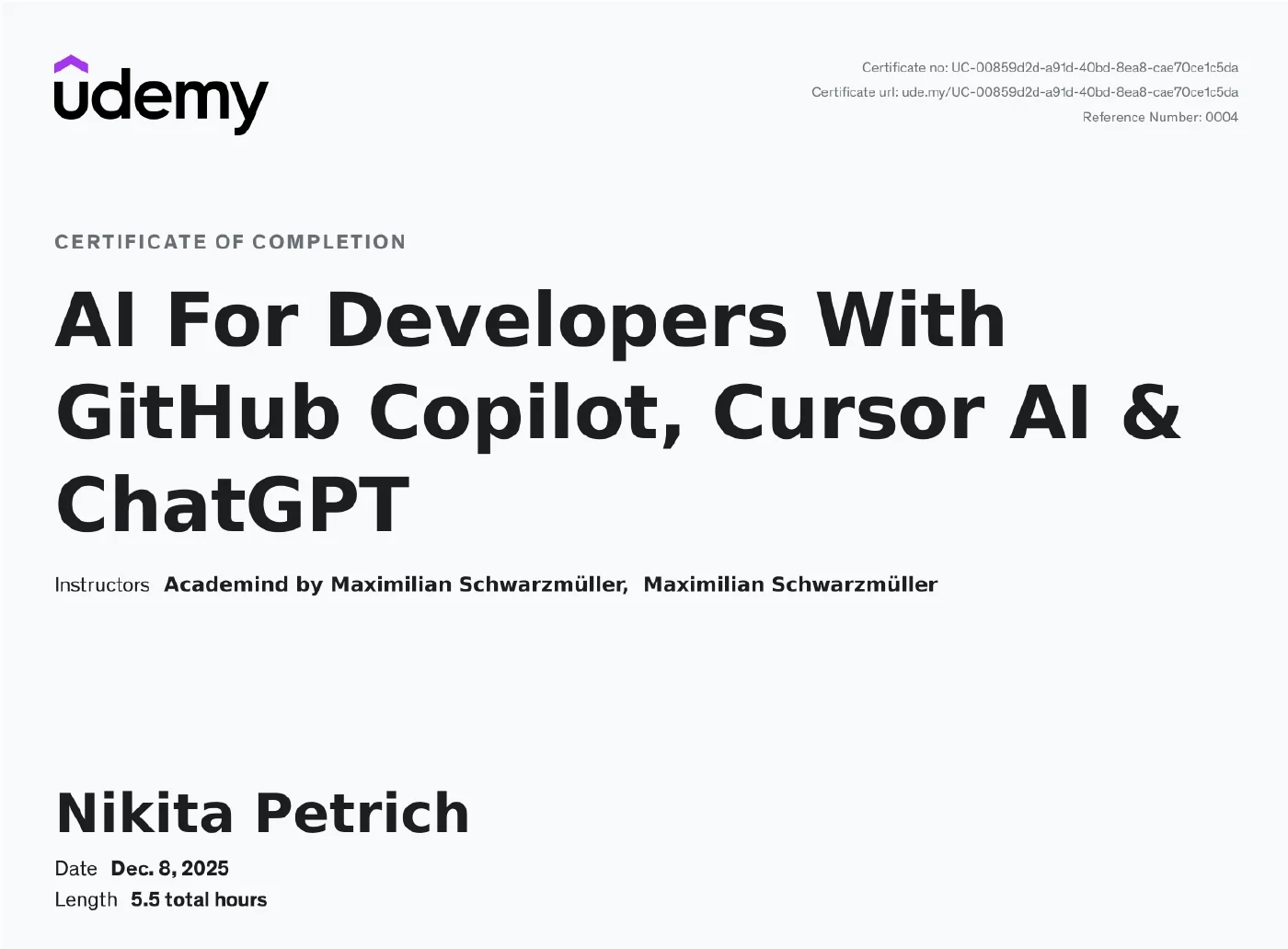
AI For Developers With GitHub Copilot, Cursor AI & ChatGPT
A course on AI-assisted development with GitHub Copilot, Cursor AI and ChatGPT: from code completions through ask, plan and agent mode to instruction files, AGENTS.md, agent skills and MCP servers. It covers both tools in their current form, plus the fundamentals of prompt and context engineering and the deliberate use of external services such as ChatGPT for planning and research. It concludes with a complete demo project: a Node.js REST API with SQLite, JWT authentication, role-based authorisation and image upload, built with AI assistance throughout.
Contents & competencies
- Use GitHub Copilot to write, test and improve code with AI suggestions
- Configure and fine-tune Copilot Chat for your own needs — models, editor settings, prompt and instruction files, checkpoints
- Tell ask, plan and agent mode deliberately apart, control tool permissions and build custom agents
- Generate and improve code with Cursor AI: tab completion, inline edits, composer, chat and agent layout
- Context engineering in practice: cursor rules and AGENTS.md, memories, cursorignore, connecting MCP servers
- Plan projects with ChatGPT and other external services, research solutions and generate assets — including when not to
- Build a complete demo project: REST API with SQLite, validation, bcryptjs, JWT authentication, role-based authorisation, Multer image upload and CORS
Syllabus
The official course outline with the section names from the course page: 147 lessons across 7 sections, course as of January 2026. The certificate states 5.5 hours; the course today comes to 8 hours — it was extended after completion with the current Copilot and Cursor modules, and the parts marked “legacy” are the older version.
Getting Started13 min · 7 lessons
- Welcome To The Course!
- Course Overview: What You'll Learn & Achieve
- Course Focus: AI Programming Tools & Beyond
- Understanding AI: Limitations, Costs & Unpredictability
- AI Tools For Developers - An Overview
- Prompt & Context Engineering Recommendations
- Join The Academind Community
Leverage GitHub Copilot Suggestions & Chat2 hrs 47 min · 51 lessons
- Module Introduction
- GitHub Copilot Setup
- Working With AI-powered Completions
- Using Smart Context Actions
- Changing the Completions Model
- Onwards To Chat & Agents
- Using “Inline” and “Quick Chat”
- Using Inline Chat In The Terminal
- Configuring Copilot Models & Features (Account Level)
- Tweaking Copilot-related Editor Settings
- Using “Ask” Mode (When & How)
- Using “Plan” Mode & Configuring Tools
- Using “Agent” Mode & Controlling Permissions
- Building Custom Agents & Combining Agents
- Configuring Chat & Sessions
- Safe Usage via Checkpoints
- Prompt & Context Engineering Essentials
- Context Engineering In Action
- Exploring Background & Cloud Agents
- Using Prompt Files
- Using Built-in Commands
- More Smart Actions
- Utilizing Instruction Files
- Understanding AGENTS.MD
- Working With Agent Skills
- More on Tools & MCP
- --- LEGACY CONTENT BELOW ---
- Introducing GitHub Copilot
- GitHub Copilot: AI Code Completion For Developers
- Installing & Setting Up GitHub Copilot
- Using AI Powered Code Suggestions To Write Code
- Using “Next Edit” Suggestions
- Mastering Prompts: Using Comments To Guide Github Copilot's AI
- Writing A Full Python Script With Suggestions
- Using The Inline Chat Feature To Add Error Handling
- Configuring GitHub Copilot: Tips For Efficient Use
- Taking Advantage of “Code Actions”
- Exploring The Sidebar Chat For More Complex Tasks
- Adding Context: Using References & Shortcuts For Smarter Code Creation
- Adding Additional Participants For Enhanced Sidebar Chat Context
- Running Terminal Commands Efficiently With AI
- Mastering GitHub Copilot Slash Commands: Explain, Fix & More
- Multi-File Edits with “Copilot Edits”
- Using “Agent Mode”
- Automating Unit Test Generation For Selected Code Sections
- Creating New Projects With The /new Command
- Prompt Engineering Essentials: Guidelines & Best Practices
- How Being Specific & Adding Context Improves AI Code Generation Efficiency
- Validating Input With GitHub Copilot Sidebar Chat
- Effective Iteration: Balancing AI & Manual Coding
- GitHub Copilot Extensions
Cursor Basics41 min · 20 lessons
- Module Introduction
- What Is Cursor?
- Pricing & Privacy
- Settings Overview
- Tab, Tab, Tab
- Using Tab Completion Efficiently
- Tab-Completion Settings
- Comment-based Prompting
- Inline Edits & Chatting
- Inline Explanations
- Inline Chats For Full-File Edits
- Generating Terminal Commands
- Cursor Chat / Agent Introduction
- Selecting Models
- Using “Ask” Mode
- Using “Agent” Mode
- Other Modes
- Using Cursor Checkpoints
- Queueing Messages
- Wrap Up
Cursor Advanced59 min · 15 lessons
- Module Introduction
- Understanding Context Engineering
- Getting Started with AI Agents
- Using “Plan” & “Agent” Mode
- Checking & Editing AI Generated Plans
- Advanced Context Engineering
- Don't Outsource Everything To AI
- Using “Ask” Mode Efficiently
- Using Cursor's Agent Layout
- Reverting AI Agent Changes
- Using Cursor Rules & AGENTS.MD
- Letting AI Use Tools
- Working With MCP Servers
- Cursor Memories & Custom Commands
- Using the cursorignore File
Introducing Cursor AI: Smart Suggestions, Chat and Composer50 min · 18 lessons
- LEGACY SECTION
- Introducing Cursor AI
- What Is Cursor AI & How It Enhances Developer Productivity
- Prerequisites For Using Cursor: What You Need To Know
- Getting Started With Cursor's Auto-Suggestions
- Smart & Predictive Code Completion With Cursor: Writing Code Faster With Tab
- Fixing Code On The Fly With Cursor's AI-Powered Suggestions
- Using Comments As Prompts To Guide Cursor's Code Generation
- Debugging Errors In The Terminal
- Understanding Cursor's Inline Chat Feature
- Leveraging The Docs Integration For Better Code Generation
- Generating Terminal Commands With The Inline-Chat
- Explaining Selected Code Snippets With The Quick Question Mode
- Enhancing The Workflow With The External Sidebar Chat Window
- Editing Multiple Files & Performing More Complex Edits With Cursor Composer Mode
- Understanding “Auto Run” (Yolo) Mode
- An Introduction To MCP Servers
- Cursor AI Features Round-Up: Tests, Code Fixes & More
ChatGPT Or Other External AI Services: Use-Cases During Development15 min · 7 lessons
- Introduction To External AI Services
- How To NOT Use ChatGPT As A Developer
- Planning Applications With ChatGPT
- Researching Development Solutions With External AI Services
- Using AI For Asset Generation
- Prompt Engineering: Key Techniques
- Section Round Up: When To Use External AI Services In Development
Practice Project: Creating a REST API with AI2 hrs 17 min · 29 lessons
- GitHub Copilot & Cursor Versions
- A Full Demo Project: Overview
- The REST API: Application Requirements Overview
- Planning the Application Structure with ChatGPT
- Setting Up the Project in Cursor AI
- Writing User Registration & Login Code with Cursor Composer
- Providing Follow-Up Feedback To Cursor Composer
- Connecting to A SQLite Database with Cursor's Sidebar Chat
- Tweaking AI-Generated Code
- Using Inline Chat For Editing Validation Code
- Testing the REST API With Postman
- Encrypting User Passwords With bcryptjs
- Debugging the App With The AI Chat
- Adding Authentication with JSON Web Tokens
- Adding Event Specific Routes With GitHub Copilot Inline Chat
- Creating, Editing & Deleting Events With Copilot's Sidebar Chat
- Creating & Exporting Reusable Model Functions For Event Management
- Testing & Debugging The App
- Implementing & Testing Validation With The Inline Chat
- Protecting Event Routes With User Authentication
- Testing Authentication
- Adding Role Based Authorization To The Update & Delete Routes
- Testing Authorization
- Adding POST Routes with Suggestions For Registering & Unregistering Events
- Testing & Fixing Event Registration & Unregistration
- Integrating Image Upload Functionality With The Multer Package
- Finishing & Testing The Image Upload Feature
- Adding Frontend Applications To The REST API with the CORS Package
- Conclusion & Next Steps