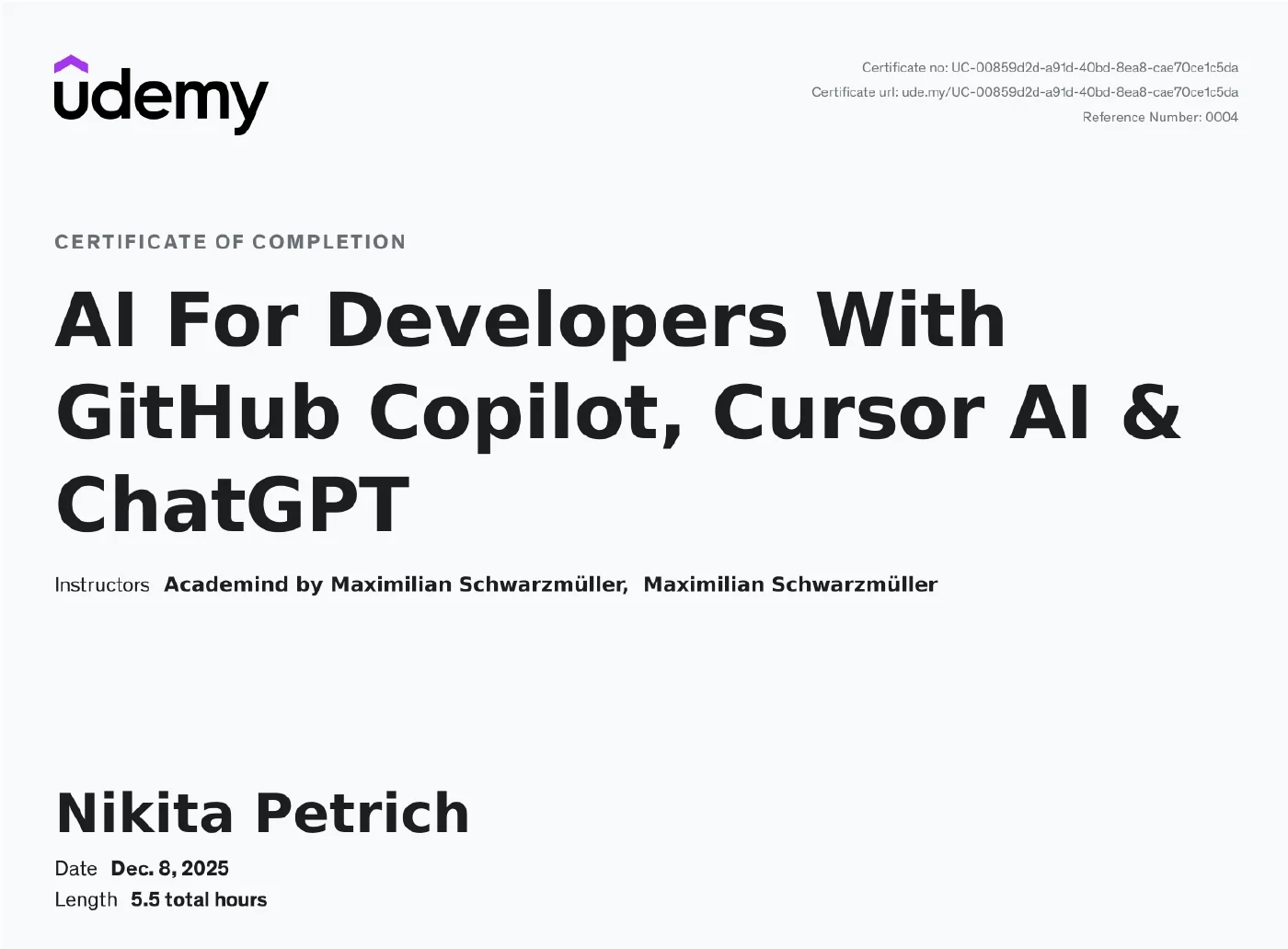
AI For Developers With GitHub Copilot, Cursor AI & ChatGPT
Kurs zum KI-gestützten Entwickeln mit GitHub Copilot, Cursor AI und ChatGPT: von Code-Completions über Ask-, Plan- und Agent-Modus bis zu Instruction Files, AGENTS.md, Agent Skills und MCP-Servern. Behandelt beide Werkzeuge in ihrer aktuellen Form, dazu Prompt- und Context-Engineering-Grundlagen sowie den bewussten Einsatz externer Dienste wie ChatGPT für Planung und Recherche. Abschluss ist ein vollständiges Demo-Projekt: eine Node.js-REST-API mit SQLite, JWT-Authentifizierung, Rollen-Autorisierung und Bild-Upload, durchgehend mit KI-Assistenz gebaut.
Inhalte & Kompetenzen
- GitHub Copilot einsetzen, um Code mit KI-Vorschlägen zu schreiben, zu testen und zu verbessern
- Copilot Chat für die eigenen Anforderungen konfigurieren und feinjustieren — Modelle, Editor-Settings, Prompt- und Instruction Files, Checkpoints
- Ask-, Plan- und Agent-Modus gezielt auseinanderhalten, Werkzeug-Berechtigungen kontrollieren und eigene Agenten bauen
- Code mit Cursor AI generieren und verbessern: Tab-Completion, Inline Edits, Composer, Chat und Agent-Layout
- Context Engineering in der Praxis: Cursor Rules und AGENTS.md, Memories, cursorignore, MCP-Server anbinden
- Projekte mit ChatGPT und anderen externen Diensten planen, Lösungen recherchieren und Assets erzeugen — inklusive der Frage, wann man das besser nicht tut
- Ein vollständiges Demo-Projekt bauen: REST API mit SQLite, Validierung, bcryptjs, JWT-Authentifizierung, rollenbasierter Autorisierung, Multer-Bild-Upload und CORS
Kursaufbau
Offizielle Kursgliederung mit den Abschnittsnamen der Kursseite: 147 Lektionen in 7 Abschnitten, Kursstand Januar 2026. Die Urkunde weist 5,5 Stunden aus, der Kurs umfasst heute 8 Stunden — er wurde nach dem Abschluss um die aktuellen Copilot- und Cursor-Module erweitert; die als „Legacy“ gekennzeichneten Teile sind die ältere Fassung.
Getting Started13 Min. · 7 Lektionen
- Welcome To The Course!
- Course Overview: What You'll Learn & Achieve
- Course Focus: AI Programming Tools & Beyond
- Understanding AI: Limitations, Costs & Unpredictability
- AI Tools For Developers - An Overview
- Prompt & Context Engineering Recommendations
- Join The Academind Community
Leverage GitHub Copilot Suggestions & Chat2 Std. 47 Min. · 51 Lektionen
- Module Introduction
- GitHub Copilot Setup
- Working With AI-powered Completions
- Using Smart Context Actions
- Changing the Completions Model
- Onwards To Chat & Agents
- Using “Inline” and “Quick Chat”
- Using Inline Chat In The Terminal
- Configuring Copilot Models & Features (Account Level)
- Tweaking Copilot-related Editor Settings
- Using “Ask” Mode (When & How)
- Using “Plan” Mode & Configuring Tools
- Using “Agent” Mode & Controlling Permissions
- Building Custom Agents & Combining Agents
- Configuring Chat & Sessions
- Safe Usage via Checkpoints
- Prompt & Context Engineering Essentials
- Context Engineering In Action
- Exploring Background & Cloud Agents
- Using Prompt Files
- Using Built-in Commands
- More Smart Actions
- Utilizing Instruction Files
- Understanding AGENTS.MD
- Working With Agent Skills
- More on Tools & MCP
- --- LEGACY CONTENT BELOW ---
- Introducing GitHub Copilot
- GitHub Copilot: AI Code Completion For Developers
- Installing & Setting Up GitHub Copilot
- Using AI Powered Code Suggestions To Write Code
- Using “Next Edit” Suggestions
- Mastering Prompts: Using Comments To Guide Github Copilot's AI
- Writing A Full Python Script With Suggestions
- Using The Inline Chat Feature To Add Error Handling
- Configuring GitHub Copilot: Tips For Efficient Use
- Taking Advantage of “Code Actions”
- Exploring The Sidebar Chat For More Complex Tasks
- Adding Context: Using References & Shortcuts For Smarter Code Creation
- Adding Additional Participants For Enhanced Sidebar Chat Context
- Running Terminal Commands Efficiently With AI
- Mastering GitHub Copilot Slash Commands: Explain, Fix & More
- Multi-File Edits with “Copilot Edits”
- Using “Agent Mode”
- Automating Unit Test Generation For Selected Code Sections
- Creating New Projects With The /new Command
- Prompt Engineering Essentials: Guidelines & Best Practices
- How Being Specific & Adding Context Improves AI Code Generation Efficiency
- Validating Input With GitHub Copilot Sidebar Chat
- Effective Iteration: Balancing AI & Manual Coding
- GitHub Copilot Extensions
Cursor Basics41 Min. · 20 Lektionen
- Module Introduction
- What Is Cursor?
- Pricing & Privacy
- Settings Overview
- Tab, Tab, Tab
- Using Tab Completion Efficiently
- Tab-Completion Settings
- Comment-based Prompting
- Inline Edits & Chatting
- Inline Explanations
- Inline Chats For Full-File Edits
- Generating Terminal Commands
- Cursor Chat / Agent Introduction
- Selecting Models
- Using “Ask” Mode
- Using “Agent” Mode
- Other Modes
- Using Cursor Checkpoints
- Queueing Messages
- Wrap Up
Cursor Advanced59 Min. · 15 Lektionen
- Module Introduction
- Understanding Context Engineering
- Getting Started with AI Agents
- Using “Plan” & “Agent” Mode
- Checking & Editing AI Generated Plans
- Advanced Context Engineering
- Don't Outsource Everything To AI
- Using “Ask” Mode Efficiently
- Using Cursor's Agent Layout
- Reverting AI Agent Changes
- Using Cursor Rules & AGENTS.MD
- Letting AI Use Tools
- Working With MCP Servers
- Cursor Memories & Custom Commands
- Using the cursorignore File
Introducing Cursor AI: Smart Suggestions, Chat and Composer50 Min. · 18 Lektionen
- LEGACY SECTION
- Introducing Cursor AI
- What Is Cursor AI & How It Enhances Developer Productivity
- Prerequisites For Using Cursor: What You Need To Know
- Getting Started With Cursor's Auto-Suggestions
- Smart & Predictive Code Completion With Cursor: Writing Code Faster With Tab
- Fixing Code On The Fly With Cursor's AI-Powered Suggestions
- Using Comments As Prompts To Guide Cursor's Code Generation
- Debugging Errors In The Terminal
- Understanding Cursor's Inline Chat Feature
- Leveraging The Docs Integration For Better Code Generation
- Generating Terminal Commands With The Inline-Chat
- Explaining Selected Code Snippets With The Quick Question Mode
- Enhancing The Workflow With The External Sidebar Chat Window
- Editing Multiple Files & Performing More Complex Edits With Cursor Composer Mode
- Understanding “Auto Run” (Yolo) Mode
- An Introduction To MCP Servers
- Cursor AI Features Round-Up: Tests, Code Fixes & More
ChatGPT Or Other External AI Services: Use-Cases During Development15 Min. · 7 Lektionen
- Introduction To External AI Services
- How To NOT Use ChatGPT As A Developer
- Planning Applications With ChatGPT
- Researching Development Solutions With External AI Services
- Using AI For Asset Generation
- Prompt Engineering: Key Techniques
- Section Round Up: When To Use External AI Services In Development
Practice Project: Creating a REST API with AI2 Std. 17 Min. · 29 Lektionen
- GitHub Copilot & Cursor Versions
- A Full Demo Project: Overview
- The REST API: Application Requirements Overview
- Planning the Application Structure with ChatGPT
- Setting Up the Project in Cursor AI
- Writing User Registration & Login Code with Cursor Composer
- Providing Follow-Up Feedback To Cursor Composer
- Connecting to A SQLite Database with Cursor's Sidebar Chat
- Tweaking AI-Generated Code
- Using Inline Chat For Editing Validation Code
- Testing the REST API With Postman
- Encrypting User Passwords With bcryptjs
- Debugging the App With The AI Chat
- Adding Authentication with JSON Web Tokens
- Adding Event Specific Routes With GitHub Copilot Inline Chat
- Creating, Editing & Deleting Events With Copilot's Sidebar Chat
- Creating & Exporting Reusable Model Functions For Event Management
- Testing & Debugging The App
- Implementing & Testing Validation With The Inline Chat
- Protecting Event Routes With User Authentication
- Testing Authentication
- Adding Role Based Authorization To The Update & Delete Routes
- Testing Authorization
- Adding POST Routes with Suggestions For Registering & Unregistering Events
- Testing & Fixing Event Registration & Unregistration
- Integrating Image Upload Functionality With The Multer Package
- Finishing & Testing The Image Upload Feature
- Adding Frontend Applications To The REST API with the CORS Package
- Conclusion & Next Steps